

Back in the Toolshed
With two episodes locked and things getting back to more of an even keel, this week I've been back in the garden shed whipping up some tools.

After spending the last few months cutting a show, and with the episodes now locked; it’s been nice to get back in the tool shed and do some vibecoding again.
The upside of working on a busy job is encountering countless problems that need solutions. The downside is never having time to build and implement those solutions. Over the last few years I’ve gathered my notes together on such jobs, ready to tackle these challenges once a job wraps (or during a quiet period).
The problem with addressing these issues after a job ends is losing the impetus of having the actual problem right in front of you—that pressure that forces you into finding an elegant solution.

Tinkering
As I’ve discussed before, I’ve never claimed to be a fantastic programmer with great habits and discipline. I’m more of a mad crackpot scientist with a backyard shed filled with half-working ideas abandoned midway through. I’m constantly tinkering and fixing away in my own haphazard way, maintaining all the gaffer-taped toolsets I’ve built.
This week’s tinkering has been mainly about improving tools I’ve mentioned here before: the Episode visualisation I discussed last September and my digital whiteboard from July. One big issue with both tools was that they ran from raw code, requiring me to manually insert the file location I wished to process. I wanted a proper front end—something I could open as an application and drop or import files into.

Visualising Progress
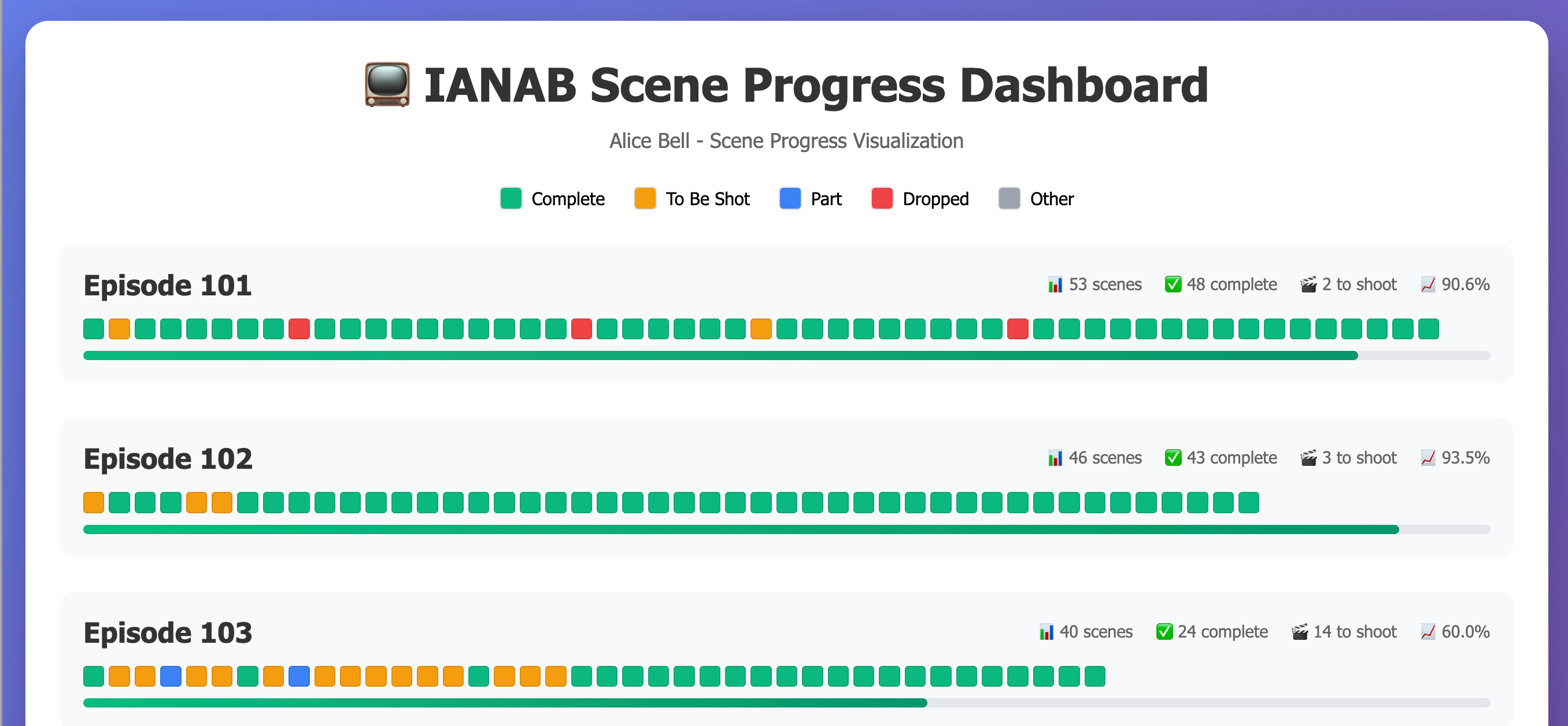
One thing I really enjoyed on my last project was visualising progress as scenes came in each week. I created images showing each episode’s progress that I could share in a weekly email. But this involved several steps: importing a spreadsheet into a Python script, outputting a .jpg image, then inserting it into an email.

I wanted to streamline this process by creating a tool that could import data into a neat email format and, looking ahead, perhaps develop an interactive web dashboard that production could access.

The Digital Whiteboard
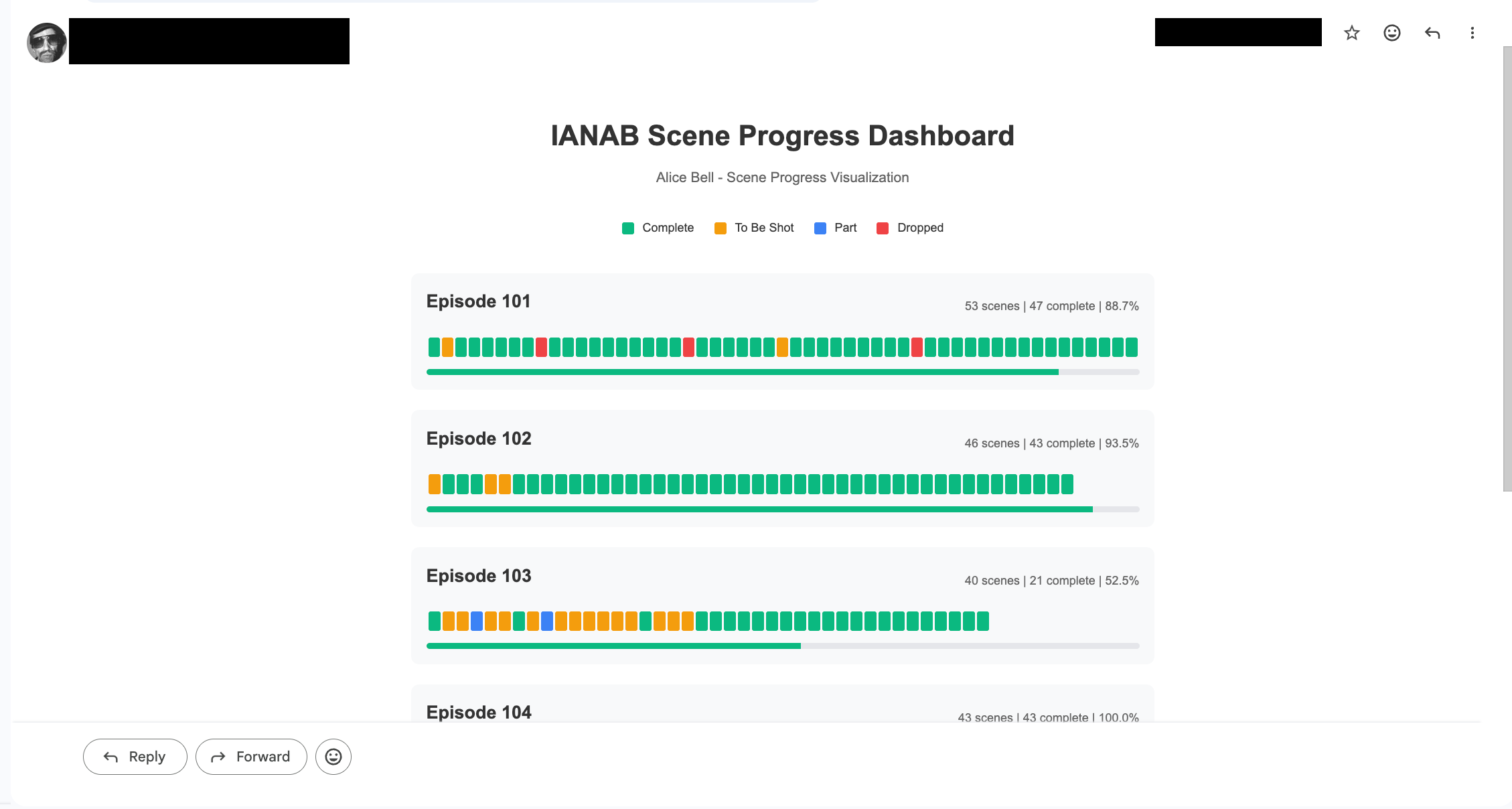
The Digital Whiteboard was my solution for better-formatted emails to share updates and present details more clearly—whether in weekly updates or training materials. I wanted a better way of sharing information than the standard messy email written in a rush.
My approach was to convert a standard text file into a nicely formatted email. I also created shortcuts in the text that could generate link buttons and other formatted elements.
The system worked well for several reasons. First, people appreciated receiving well-formatted emails that were easy to read and interact with. Second, I could write everything in Bear (my notes app), keeping them organized and filed away. When writing an update, I could copy from the previous week’s email or duplicate it as a starting point.
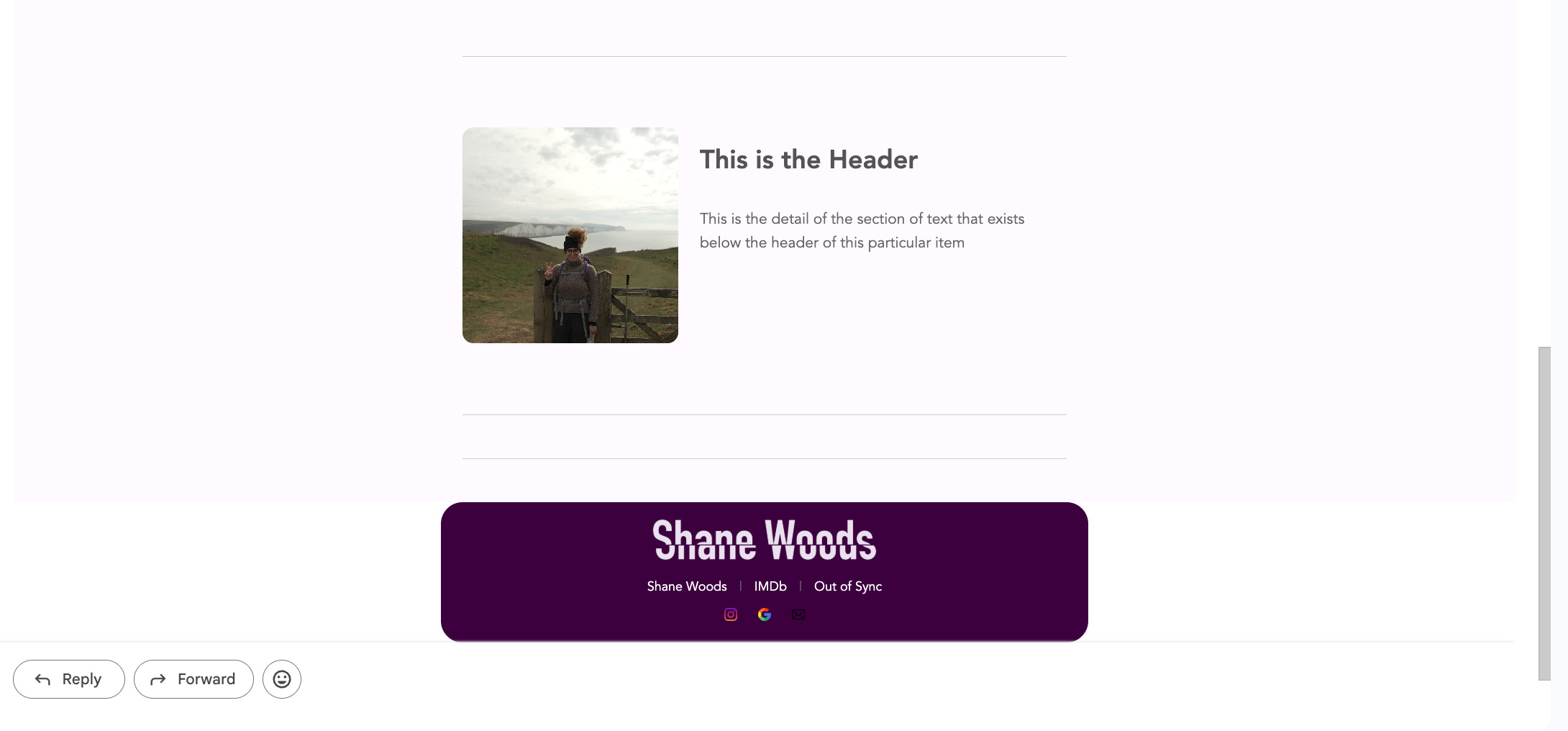
I wanted to improve this further—refining the design features and adding visual modules I’d been planning. The results have been great: a self-contained application front end that runs in a browser window on any computer, plus the ability to add design features like different email footers.

Some New Inventions on the Way
I’ve also started working on a few different tools in early stages of development. As with all the madcap ideas I flit between when I have spare time, many will be discarded because they’re too difficult or not worth the effort. Many more will be created but won’t quite live up to expectations when field-tested. But one or two will see the light of day and become something I use regularly, improving my day or the day of team members.
Stay tuned…
Not gonna lie that visual progress image idea is brilliant. I’ve found that producers and execs are so busy that to get their attention is difficult but doing this visually where they can just have a quick snapshot of where things are is *chef’s kiss*